Bchex, offers an automated Adverse Action process. In this process, FCRA letters of Adverse-Action, Summary of Rights and a Consumer Report are automatically sent to applicant when required. The documents are delivered by email, and as a backup method in case this fails, US Mail. This process must be followed if an applicant is denied a position based on information contained in their consumer report (Background check).
If you take adverse action based on information in a consumer report, you must notify the applicant. Your notice may be oral, written or electronic and it must contain certain information: FCRA § 615(a)
- The name, address and phone number of the CRA (Consumer Reporting Agency) (including a toll-free number for nationwide CRAs) that supplied the report.
- A statement that the CRA didn’t make the adverse decision and can’t explain why the decision was made.
- Notice of the consumer's right to a free copy of their report from the CRA if they ask for it within 60 days. FCRA § 612
- Notice of the consumer's right to dispute the accuracy or completeness of any information provided by the CRA. FCRA § 611
- The consumer’s credit score, if a score was used.
If your company utilizes Bchex Adverse Action process, you need only mark the order as "Does Not Meet Guidelines," and Bchex will take care of the rest! Here is what you can expect to see throughout the process, once an applicant has been marked as not meeting guidelines:
 | The order has been marked as "Does Not Meet Guidelines". The pre-adverse action letter has not yet been generated. |
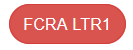 | The FCRA1 status means the pre-adverse action letter (Letter 1) has been generated and has been emailed/mailed to the applicant. |
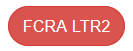 | The FCRA2 status means that 10 days has passed since Letter 1 was sent, and the adverse action letter (Letter 2) has been mailed/mailed to the applicant. |
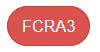 | The FCRA3 status is a retired status we used to close out the FCRA process. This is no longer being used. |
To get an idea of what is sent to the applicant, you can view Sample Letters of Adverse Action in Aegis, under Resources > Documents and Forms.
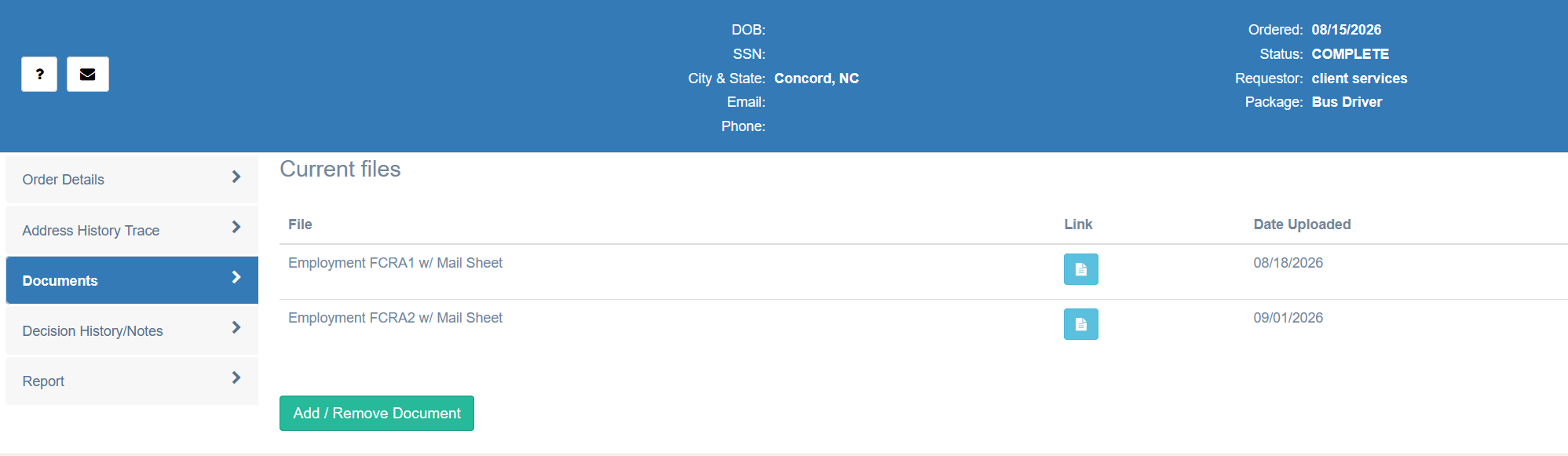
You can also see the letters generated for those who have been placed in a Does Not Meet Guidelines status in their order details in the Documents section:
If you are interested in utilizing this service, please contact us at clientservices@bchex.io to learn more!
You can view more information on the Adverse Action requirements at the Federal Trade Commission website: Using Consumer Reports for Credit Decisions: What to Know About Adverse Action and Risk-Based Pricing Notices
Was this article helpful?
That’s Great!
Thank you for your feedback
Sorry! We couldn't be helpful
Thank you for your feedback
Feedback sent
We appreciate your effort and will try to fix the article