Folder Color Indication
The folder icon displayed next to each applicant's name provides a quick visual indicator of their background check status. Here's what each color means:
Blue — No record found, or the order is still pending.
White — No record found, and the profile has already been viewed.
Orange — A hit (record found) exists on the background check.
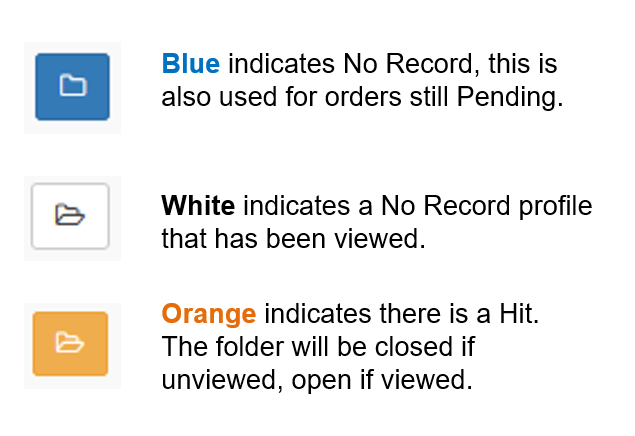
? Additional Note: The folder icon will appear closed if the result has not yet been viewed, and open if it has already been viewed.
Was this article helpful?
That’s Great!
Thank you for your feedback
Sorry! We couldn't be helpful
Thank you for your feedback
Feedback sent
We appreciate your effort and will try to fix the article