Can’t Find a Background Check Order? Try These Tips
If you’re having trouble locating a background check order in Aegis, try the steps below. In most cases, one of these options will help surface the order you’re looking for.
- Try Changing Your Date Range
- Try Including Hidden Results
- Use Less Information in your Search
- Multiple Accounts?
- Quick Search Tip
Try Changing Your Date Range
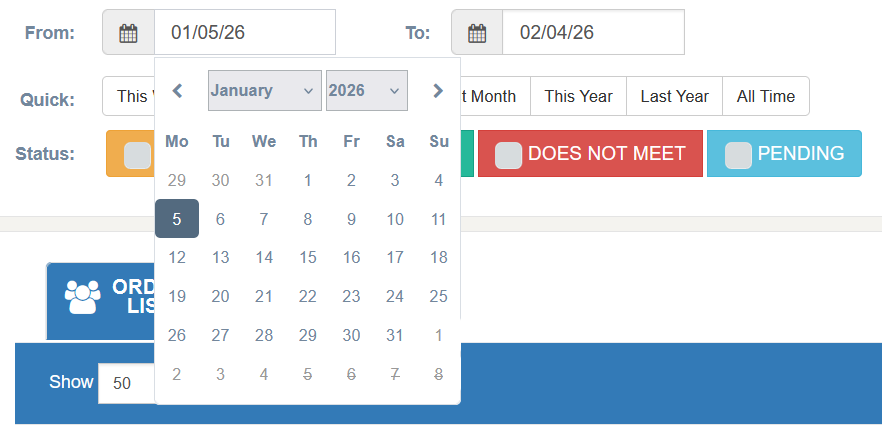
By default, search results are limited to a recent date range of 30 days.
Click inside the Date fields to adjust the range.
Select All Time to search all available results.
Note: Background check orders are retained in Aegis for up to 5 years.
Try Including Hidden Results
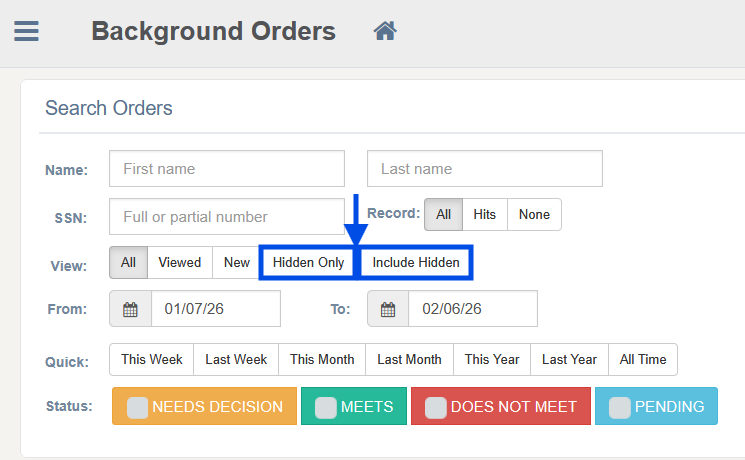
If an order was previously hidden, it will not appear in standard searches.
Be sure to select Include Hidden when searching to display all results.
You can also narrow to Hidden Only orders.
Use Less Information in your Search
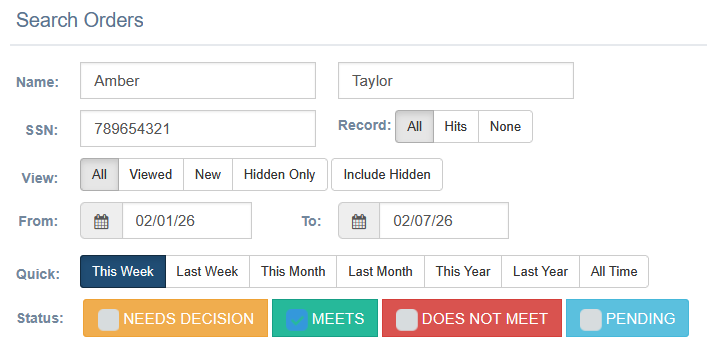
Using too many search filters can sometimes prevent results from appearing.
For example, if you search using:
Full name
SSN
Status
Last 30 days
…and any of that information is incorrect or mistyped, the order may not show.
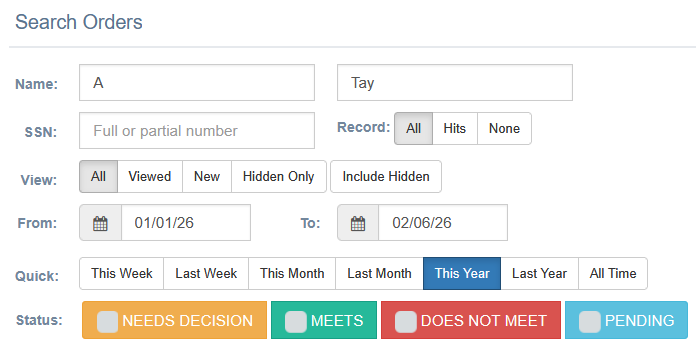
Try this instead:
Search by last name only, or
Search by first name only, or
Enter just a few letters of the first or last name
Expand the date range
This broader search often makes it easier to locate the order.
Multiple Accounts?
If you have access to more than one Bchex account, you may be logged into the wrong one.
To confirm:
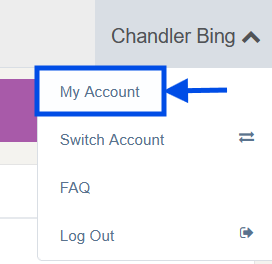
Click your name in the upper-right corner.
Select My Account.
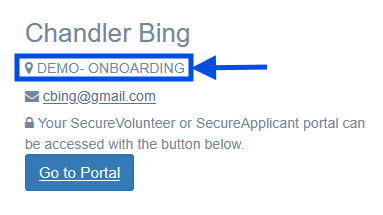
Your current account information is displayed under your name on the left side of the page.
 |  |
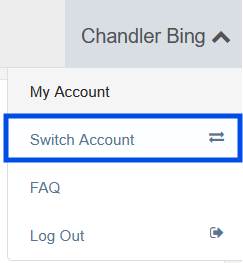
If you have setup a ChexAuth login for multiple accounts, you can easily switch between them here:
Quick Search Tip
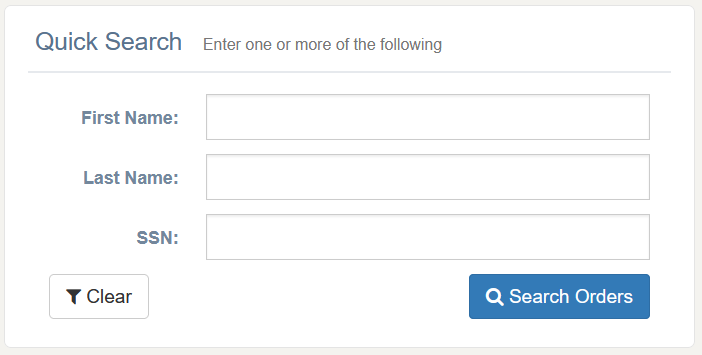
You can also perform a quick search directly from the Aegis Dashboard.
By default, this search includes results from all time.
Was this article helpful?
That’s Great!
Thank you for your feedback
Sorry! We couldn't be helpful
Thank you for your feedback
Feedback sent
We appreciate your effort and will try to fix the article