Navigate to My Account. In the upper left corner you will see the link to the portal for your organization.
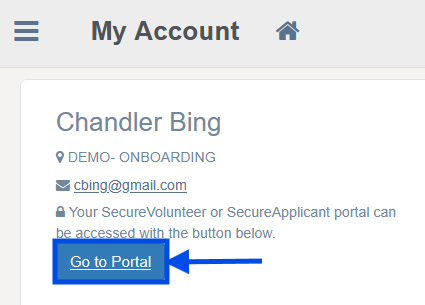
*Note - if you have multiple accounts, you'll need to log into each one separately to see the link associated with that account. You can toggle between each account you have setup with ChexAuth by using the Switch Account feature. For assistance, contact clientservices@bchex.io
Was this article helpful?
That’s Great!
Thank you for your feedback
Sorry! We couldn't be helpful
Thank you for your feedback
Feedback sent
We appreciate your effort and will try to fix the article